
No products in the cart.

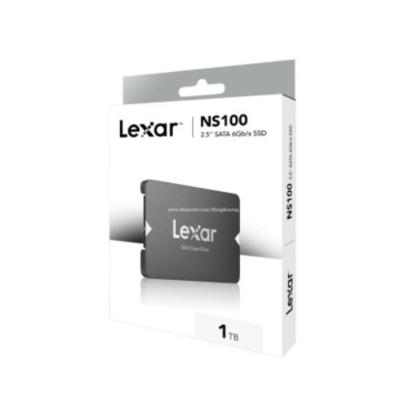


Is your laptop completely dead, but you need to recover your files? 😟 Don’t panic! Even if the motherboard is dead, your data is likely still safe on the storage drive. Here’s how to get it back!
🛠️ Steps to Recover Your Data
1️⃣ Remove the Hard Drive / SSD 💾
✅ Turn off the laptop and disconnect from power.
✅ Open the back panel (if accessible) and locate the hard drive (HDD) or SSD.
✅ Carefully unscrew and remove the storage drive.
2️⃣ Use an External Drive Adapter 🔌
✅ Get a USB to SATA adapter (for HDDs & SATA SSDs) or a NVMe/PCIe enclosure (for modern SSDs).
✅ Connect the drive to another working laptop or desktop.
✅ It should appear as an external drive—copy your files.
3️⃣ Insert the Drive into Another Laptop 💻
✅ If compatible, install the drive in another laptop as a secondary storage.
✅ Boot the system and access your old files from Windows Explorer.
4️⃣ Try a Data Recovery Software 🛠️
✅ If the drive isn’t detected, use software like:
🔹 EaseUS Data Recovery
🔹 Recuva
🔹 Stellar Data Recovery
✅ Scan the drive and recover deleted/corrupt files.
5️⃣ Visit a Professional Data Recovery Service 📍
✅ If you can’t access the drive, the issue might be more complex.
✅ Clever Computer Qatar specializes in data recovery from dead laptops at an affordable price!
💾 Need Help? Clever Computer Qatar Can Recover Your Data!
We provide professional data recovery services in Qatar for HP, Dell, Lenovo, and ASUS laptops. Whether it’s an HDD or SSD, we can retrieve your important files!
📍 Address: Shop No. 511, Dawodia City – Mesaimeer, Qatar
📞 Phone/WhatsApp: +974 30039394
🌐 Website: www.clevercomputer.qa
📩 Email: info@clevercomputer.qa
🕒 Timings: Sat–Thu: 10 AM – 10 PM | Fri: Closed