
No products in the cart.

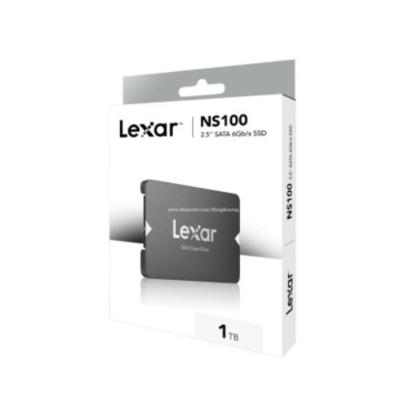
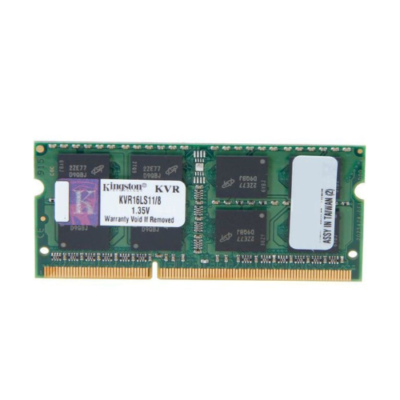
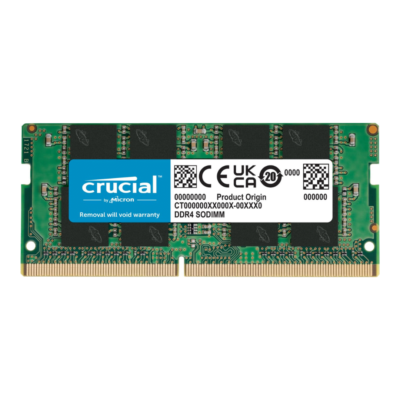
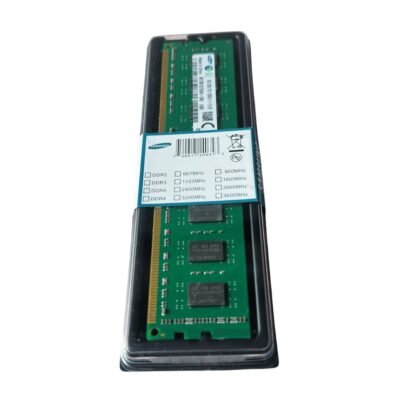

Got an old laptop gathering dust? Don’t throw it away! Install Linux and turn it into a fast, secure, and lightweight machine. Follow this easy guide to bring your laptop back to life!
🔥 Why Install Linux on an Old Laptop?
✔ Faster performance – Lightweight Linux versions work smoothly on old hardware
✔ Free & open-source – No need to pay for licenses
✔ Secure & stable – No viruses, no slowdowns
✔ Customizable – Choose the look and feel you like
🛠️ Steps to Install Linux on Your Old Laptop
1️⃣ Choose the Right Linux Version 📌
Some lightweight Linux distros for old laptops:
🔹 Ubuntu MATE – User-friendly & stable
🔹 Linux Mint XFCE – Fast & familiar
🔹 Lubuntu – Super lightweight & efficient
🔹 Zorin OS Lite – Great for Windows users
2️⃣ Create a Bootable USB Drive 💾
✔ Download the ISO file of your chosen Linux distro
✔ Use Rufus (Windows) or BalenaEtcher (Mac/Linux) to create a bootable USB drive
3️⃣ Boot from USB & Install Linux ⚙️
✔ Insert the USB into your laptop
✔ Restart & enter BIOS (F2, F12, or DEL key at startup)
✔ Change boot order to boot from USB
✔ Follow the on-screen installation steps
4️⃣ Install Essential Software 🔄
✔ Web browser – Firefox or Chrome
✔ Office suite – LibreOffice
✔ Media player – VLC
✔ Antivirus? No need! Linux is super secure
5️⃣ Enjoy Your Revived Laptop! 🚀
Your old laptop is now fast, smooth, and ready to use!
💻 Need Help Installing Linux? Contact Clever Computer Qatar!
We provide Linux installation, upgrades, and tech support in Qatar.
📍 Address: Shop No. 511, Dawodia City – Mesaimeer, Qatar
📞 Phone/WhatsApp: +974 30039394
🌐 Website: www.clevercomputer.qa
📩 Email: info@clevercomputer.qa
🕒 Timings: Sat–Thu: 10 AM – 10 PM | Fri: Closed