
No products in the cart.


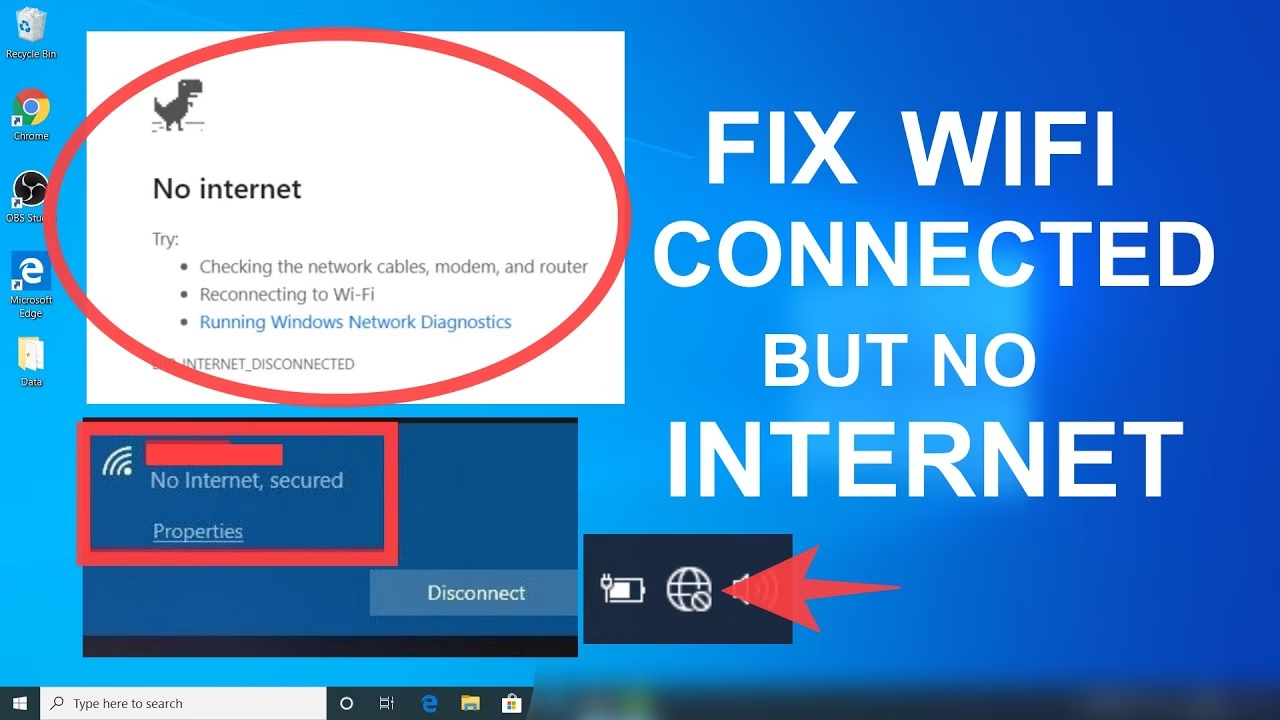
Struggling with “No Internet Connection” on your Windows PC? 😤 Here’s a quick troubleshooting guide to help you get back online fast! 🚀
🔍 First Things to Check
✅ Restart Everything 🔄
- Restart your WiFi router & modem.
- Restart your computer.
- Sometimes, a simple reboot fixes everything!
✅ Check Other Devices 📱
- If other devices are working, the problem is your PC.
- If nothing connects, your WiFi/router may be the issue.
✅ Turn WiFi On & Off 📡
- Click on the WiFi icon on your taskbar.
- Turn it off, wait a few seconds, and turn it back on.
✅ Check Airplane Mode ✈️
- Ensure Airplane Mode is OFF in Windows settings.
✅ Try a Different Network 🌍
- Connect to a mobile hotspot or another WiFi network.
- If it works, the issue is with your home network.
🛠️ Fixing the Problem
1️⃣ Run the Windows Troubleshooter 🔧
- Go to Settings > Network & Internet > Status.
- Click on “Network Troubleshooter” and follow the steps.
2️⃣ Reset Network Settings 🔄
- Open Command Prompt (Run as Administrator).
- Type the following commands one by one, pressing Enter after each:pgsqlCopyEdit
netsh winsock reset netsh int ip reset ipconfig /release ipconfig /renew ipconfig /flushdns - Restart your PC and check your connection.
3️⃣ Check for IP & DNS Issues 🌍
- Open Settings > Network & Internet > Wi-Fi or Ethernet.
- Click Properties > Scroll down to IP Settings.
- Set “Obtain an IP address automatically” and “Obtain DNS server address automatically.”
4️⃣ Disable & Re-enable Network Adapter 🔄
- Press Windows + R, type
ncpa.cpl, and hit Enter. - Right-click your WiFi or Ethernet adapter > Click Disable.
- Wait 30 seconds, then click Enable.
5️⃣ Update or Reinstall Network Drivers 🖥️
- Open Device Manager (
devmgmt.msc). - Expand Network Adapters > Right-click your WiFi or Ethernet adapter.
- Click Update Driver > Select Search automatically for drivers.
- If the problem persists, uninstall the driver, then restart your PC.
💡 Prevent Future Connection Issues
✔️ Restart your router once a week to keep it fresh.
✔️ Use a wired Ethernet connection for a stable connection.
✔️ Avoid using too many devices on one network.
✔️ Check for Windows updates to fix driver issues.
📍 Need Expert Help in Qatar?
Still can’t fix your internet issue? 🤯 Clever Computer Qatar can diagnose and repair your network problems quickly!
📍 Address: Shop No. 511, Dawodia City – Mesaimeer, Qatar
📞 Phone/WhatsApp: +974 30039394
🌐 Website: www.clevercomputer.qa
📩 Email: info@clevercomputer.qa
🕒 Timings: Sat–Thu: 10 AM – 10 PM | Fri: Closed