No products in the cart.


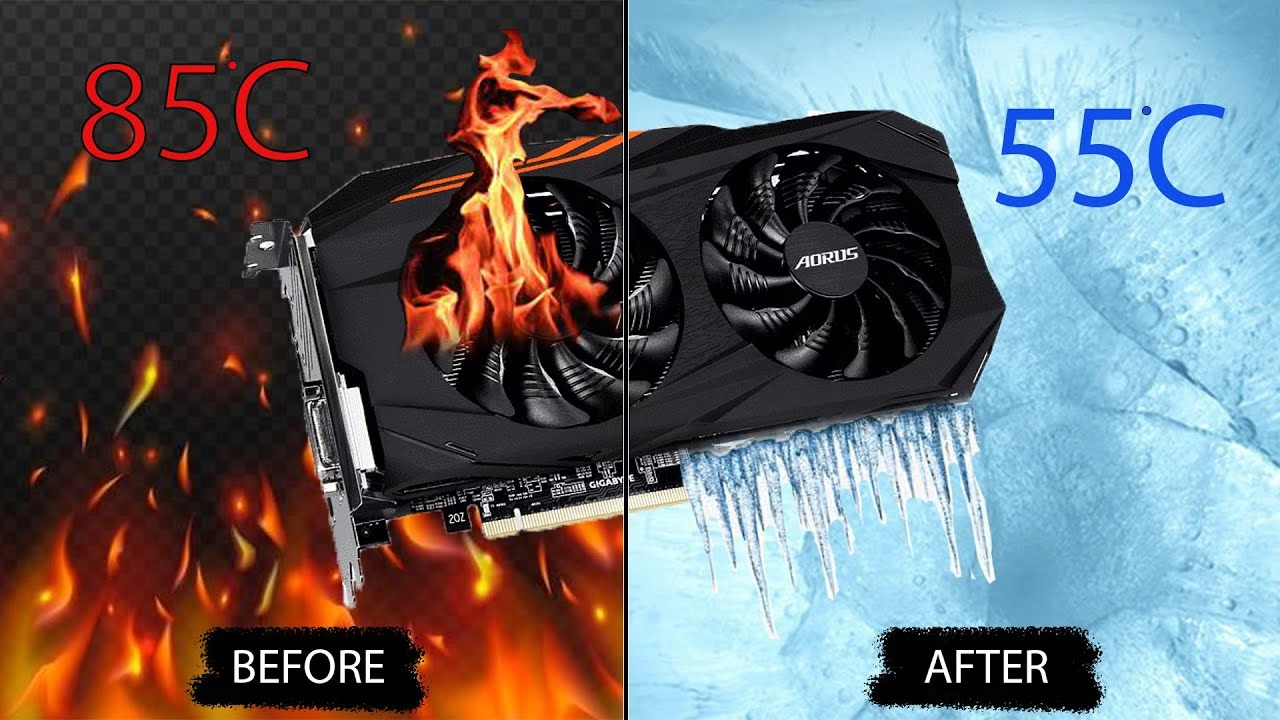
Is your PC lagging, crashing, or showing weird visuals? 😰 Your graphics card (GPU) might be overheating! Here’s how to identify the issue and fix it fast. 🚀
🔥 Signs of an Overheating Graphics Card
✅ Screen glitches (weird colors, artifacts, or flickering)
✅ Frequent crashes or sudden shutdowns
✅ Loud fan noise from your PC
✅ Game lag or performance drops
✅ PC feels too hot to touch
🔍 How to Check GPU Temperature
📌 Use free software like:
- MSI Afterburner 🖥️
- HWMonitor 📊
- GPU-Z 🔍
If the temperature is above 85°C, your graphics card is overheating! ⚠️
🛠️ How to Fix an Overheating GPU
1️⃣ Improve Airflow 🌬️
✅ Place your PC/laptop in a cool, ventilated area
✅ Clean air vents & fans to remove dust
✅ Use a cooling pad for laptops
2️⃣ Clean Your Graphics Card 🧹
✅ Open your PC case and remove dust from the GPU fans
✅ Use compressed air to clean it properly
3️⃣ Change Thermal Paste 🧑🔧
✅ Old thermal paste can cause overheating
✅ Reapply high-quality thermal paste for better heat dissipation
4️⃣ Adjust Fan Speed & Power Settings ⚙️
✅ Increase fan speed using MSI Afterburner
✅ Lower GPU power consumption to reduce heat
5️⃣ Upgrade Your Cooling System ❄️
✅ Install additional case fans
✅ Upgrade to a better GPU cooling system
💻 Need Help? Clever Computer Qatar Can Fix It!
We repair overheating GPUs for desktops and gaming laptops in Qatar at affordable prices! 🎮🔧
📍 Address: Shop No. 511, Dawodia City – Mesaimeer, Qatar
📞 Phone/WhatsApp: +974 30039394
🌐 Website: www.clevercomputer.qa
📩 Email: info@clevercomputer.qa
🕒 Timings: Sat–Thu: 10 AM – 10 PM | Fri: Closed