
No products in the cart.


Laptop won’t turn on? Hard drive crashed? Don’t panic! 😨 Your data may still be recoverable. Here’s how to retrieve lost files and where to get professional data recovery in Qatar.
🔍 First Steps: Check If Your Laptop is Really Dead
✅ Try a Different Charger – The battery might be the issue.
✅ Remove the Battery & Plug in Directly – Works for some models.
✅ Listen for Noises – Clicking or beeping sounds may indicate a hard drive failure.
✅ Connect to an External Monitor – Maybe only your screen is faulty.
If your laptop still won’t boot, you’ll need a data recovery service.
💾 How to Recover Data from a Dead Hard Drive
1️⃣ Remove the Hard Drive 🛠️
- Turn off the laptop & unplug it.
- Remove the bottom cover and locate the hard drive.
- Carefully disconnect it from the laptop.
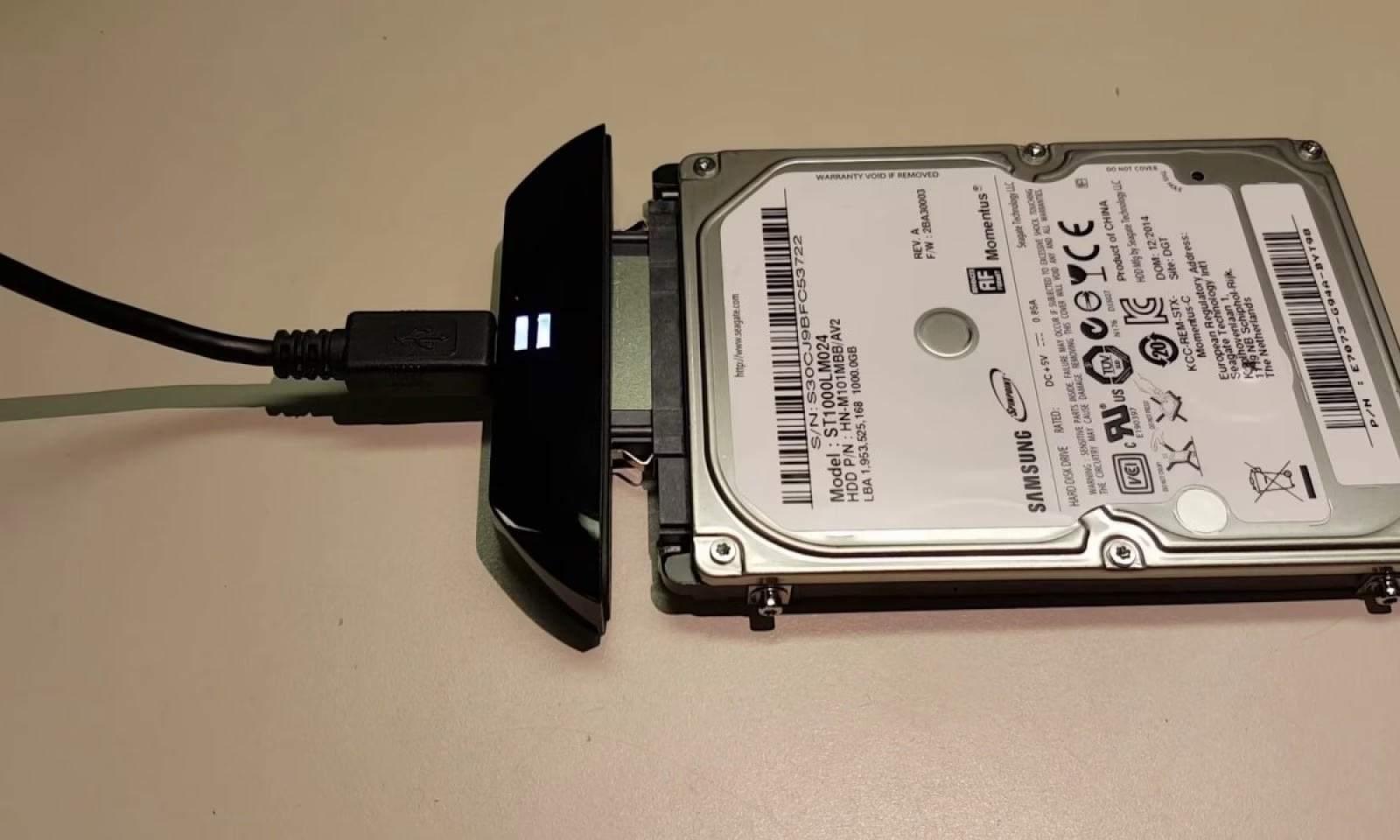
2️⃣ Use an External Hard Drive Enclosure 🔌
- Insert the hard drive into a USB-to-SATA adapter or an external hard drive case.
- Plug it into another computer and check if your files are accessible.
3️⃣ Use Data Recovery Software 🖥️
- If the drive is detected but files are missing, try recovery tools like:
✅ EaseUS Data Recovery
✅ Recuva
✅ Disk Drill
4️⃣ If the Hard Drive is Not Detected? Seek Professional Help! 🚨
- A failed drive needs specialized tools to recover data.
- Clever Computer Qatar provides expert data recovery at an affordable price!
💡 Tips to Prevent Data Loss in the Future
✔️ Backup Regularly – Use an external drive or cloud storage.
✔️ Avoid Physical Damage – Keep your laptop in a cool & dry place.
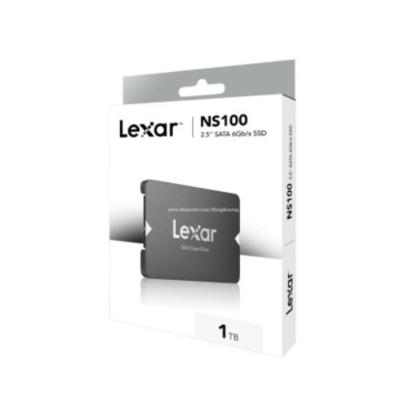
✔️ Use an SSD Instead of HDD – SSDs are more durable and less likely to fail.
✔️ Install Antivirus Software – Prevent malware from corrupting files.
📍 Need Data Recovery in Qatar?
We can recover data from dead laptops and hard drives at a great price! 💾
📍 Address: Shop No. 511, Dawodia City – Mesaimeer, Qatar
📞 Phone/WhatsApp: +974 30039394
🌐 Website: www.clevercomputer.qa
📩 Email: info@clevercomputer.qa
🕒 Timings: Sat–Thu: 10 AM – 10 PM | Fri: Closed