
No products in the cart.

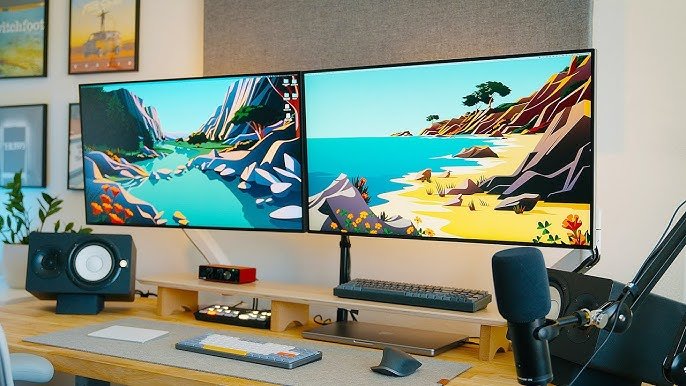
Want to boost your productivity with a dual monitor setup? Follow these simple steps to create an efficient workstation!
🎯 Benefits of a Dual Monitor Setup
✔ More screen space – Work on multiple tasks without switching tabs
✔ Better multitasking – Write emails on one screen, research on the other
✔ Improved workflow – Drag and drop files easily between screens
✔ Less eye strain – Larger workspace reduces constant scrolling
🛠️ Step-by-Step Guide to Set Up Dual Monitors
1️⃣ Check Compatibility 🔍
✔ Ensure your PC or laptop supports dual monitors
✔ Check the available display ports (HDMI, VGA, DisplayPort, USB-C)
2️⃣ Get the Right Equipment 🖥️
✔ Two monitors with the same resolution for a seamless experience
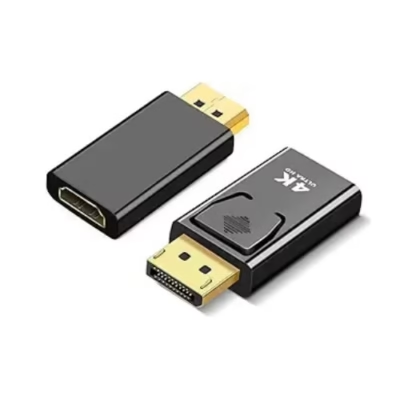
✔ Proper cables & adapters (HDMI, DisplayPort, VGA)
✔ A monitor stand or mount for better ergonomics
3️⃣ Connect the Monitors 🔌
✔ Plug both monitors into your PC/laptop using the right ports
✔ Turn on the monitors and boot up your PC
4️⃣ Adjust Display Settings 🖥️
✔ Windows: Right-click on desktop → Display Settings → Extend These Displays
✔ Mac: System Preferences → Displays → Arrangement
5️⃣ Optimize for Productivity 🚀
✔ Set up the primary & secondary display as per your workflow
✔ Use keyboard shortcuts to switch screens faster (Windows + P)
✔ Adjust brightness & resolution for better visual comfort
📍 Need a Dual Monitor Setup? Contact Clever Computer Qatar!
We provide monitors, cables, mounts, and IT support for setting up a professional dual-screen workstation in Qatar.
📍 Address: Shop No. 511, Dawodia City – Mesaimeer, Qatar
📞 Phone/WhatsApp: +974 30039394
🌐 Website: www.clevercomputer.qa
📩 Email: info@clevercomputer.qa
🕒 Timings: Sat–Thu: 10 AM – 10 PM | Fri: Closed